

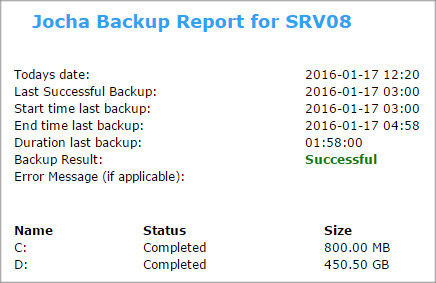


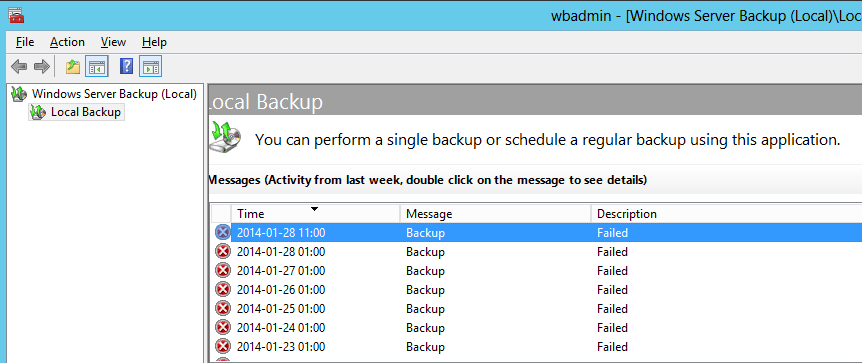
Windows Backup failing on TrueCrypt drive
There are numerous backup solutions out there for Windows and they come in many different forms.
There are two “types” of backup supported by the “Windows Backup and Restore Center” (WBRC).

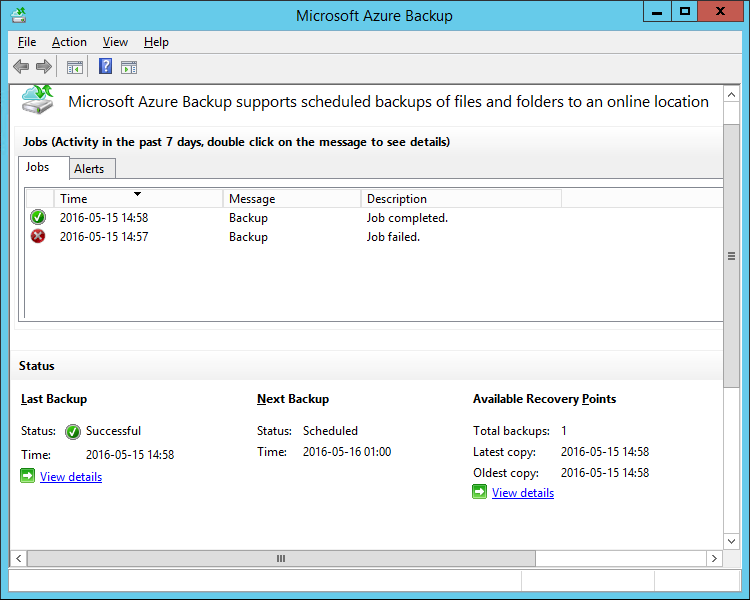
Upgrading to SCCM 2012 R2
An acticle about what’s new in Configuration Manager 2012 R2, what to consider before an upgrade and how to proceed with the actual upgrade.
Remember, uninstalling Service Packs or R2 is not supported, so make sure you don’t rush through it and you’ve completed the recommended actions on the checklist!
Domain Controllers Warning Event ID 10154
I was getting an error at startup on a new Windows 2008 R2 Domain Controller. Apparently the WinRM attempts to create two SPNs after the startup process.
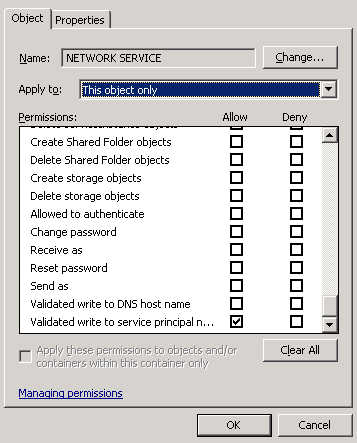
Since that WinRM runs under “Network Service” account, I was able to fix this warning by granting the “Validated Write to Service Principal Name” permission to the NETWORK SERVICE…

Recover files from Previous Version/Shadowcopy
By default, shadow copy will save a copy of your files once a day, or triggered into action such as when installing an update or new program.
This is all managed by the Windows Task Scheduler. By making some changes to the ‘System Restore’ schedule you can create more frequent backups of documents…

Windows 2012 listening on port 80 fix
First of all, the way http.sys works on newer Windows versions is a very useful feature.
The reason behind http.sys is to have a single system service that listens on the all-important port 80 and be a mediator to different applications and services…
Connect to Office 365 with Powershell
The GUI at Microsoft is great but sometimes we need to dig a bit deeper.
I ran into some issues with a Resource mailbox and had to do some troubleshooting in the Office 365 service.

Breaking into a Windows System
Do you ever get that sinking feeling, when you’ve forgotten the root password to your test lab? Again?
I hate it too! So I decided to figure out a way around it, using a work around…

Configure Windows 7 Network Adapter Binding Priority
A computer running Windows 7 may connect to networks with various adapters.
If you have a device that can connect to networks in multiple ways, you may wonder how Windows determines the priority of the installed network adapters.
 Articles
- Passwordless GitHub Actions to Azure with Federation
- Real-time Entra ID Break-glass Sign-in Alerts (Part 2)
- Real-time Entra ID Group Alerts with Azure Functions (Part 1)
- End-to-End User Offboarding with Microsoft Graph PowerShell
- Automating Intune Win32 App Packaging with GitHub Actions
- Cleaning Up Stale Entra ID Devices with Microsoft Graph PowerShell