Jocha previously released a very popular mail report-script for Windows Backup. A downside with the new Azure backup-agent is that it did not offer mail reports… until today!
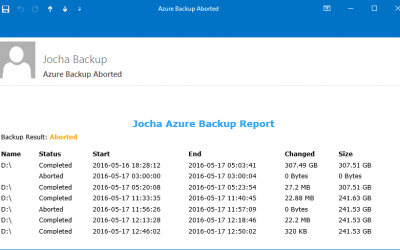
Azure Backup Mail Report Script
read more

Jocha previously released a very popular mail report-script for Windows Backup. A downside with the new Azure backup-agent is that it did not offer mail reports… until today!

We’ve set out to help a customer with automation within their IT department.
Some daily tasks require an elevated prompt, there is no way around it. But it’s not obvious how to check if the current prompt is elevated, or how to elevate the session. So here is a how-to…
This PowerShell-script retrieves all current user sessions on a local or remote system.
This script retrieves the pending reboot status on a local or remote computer.
We have been working on migrating a customer from Windows 7 over to Windows 10. Our goal is to have Windows 8 and 10 clients pull the pictures from Active Directory to the users local profiles.
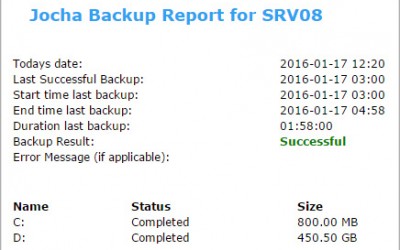
Updated version available: This article covers v4.1 of the script (2016). A fully rewritten v5.0 is now available, compatible with Windows Server 2025 and using the SendGrid REST API instead of the deprecated Send-MailMessage.Read the updated article: Windows Server...
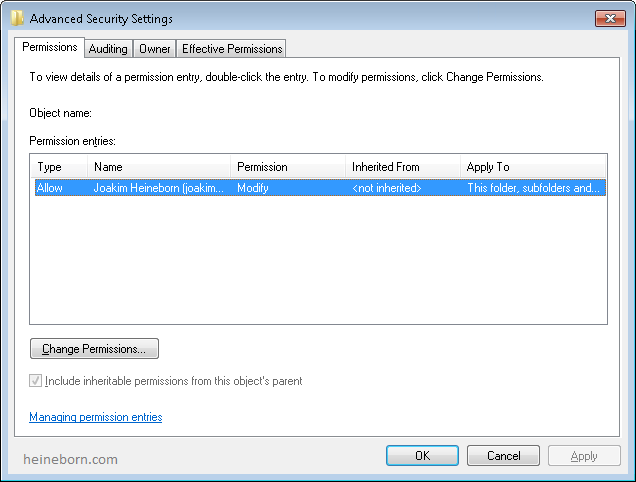
The script will look through the a selected Organization Unit and verify that all users have a Home Directory set, and that it has the appropriate NTFS permissions.
Previously all users had Full-permissions on their home folder, which led to the users resetting permissions and removing unwanted permissions (Backup or Admin accounts) to their “private” stuff.

Depending upon the version of the sync solution that you are using to replicate directory data from on-premises Active Directory to Office 365 there are different commands that you will need to use.
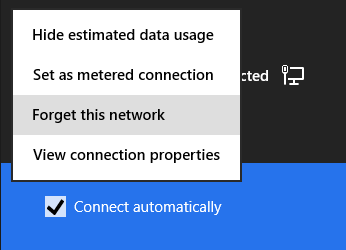
We’ve all been there, wireless passwords tend get lost.
There are several tools to retrieve the missing information, but I strongly believe that the less stuff you download from the web, the safer you are. So why not use the built in functions instead?

By default DirSync runs every three hours; which for some environments or during testing may not be frequent enough…
 Articles