I created a powershell-script which will reset the password of all users in a specific Organizational Unit.
I prefer to set unique high-end passwords for all users. If you prefer a more ‘user friendly’ approach simply…

I created a powershell-script which will reset the password of all users in a specific Organizational Unit.
I prefer to set unique high-end passwords for all users. If you prefer a more ‘user friendly’ approach simply…
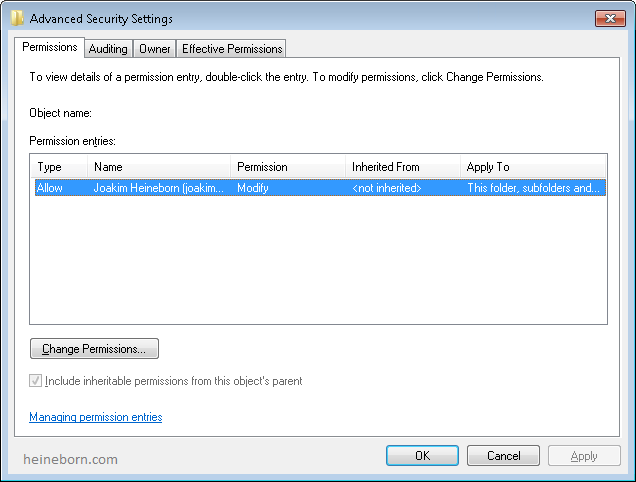
The script will look through the a selected Organization Unit and verify that all users have a Home Directory set, and that it has the appropriate NTFS permissions.
Previously all users had Full-permissions on their home folder, which led to the users resetting permissions and removing unwanted permissions (Backup or Admin accounts) to their “private” stuff.
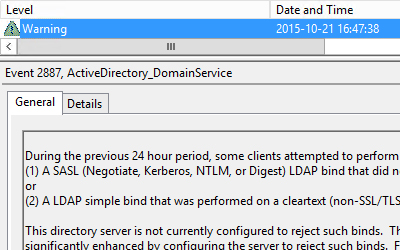
I noticed that a couple of Domain Controllers started reporting Warning-messages. It turns out that one or more clients have been using LDAP binds that are performed on a clear text (non-SSL/TLS-encrypted) connection.
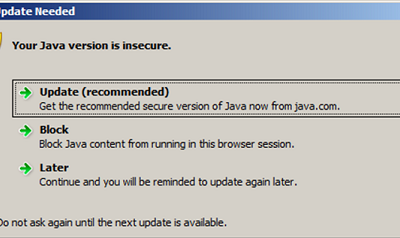
I received an inquiry from one of my mid-size (100-200 users) customers today. They’ve been planning on implementing a new online service which requires the latest Java version.
The clients have a large quantity of outdated versions of Java, which needed to be uninstalled before we deployed the newest version.
They are currently running Windows 7 and Windows 8, so somewhat modern operative systems.
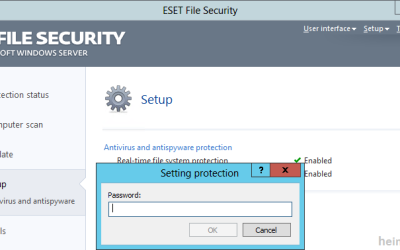
I was faced with an issue regarding NOD32 today. A couple of clients had an old (undocumented) configuration of their antivirus.
As it turned out the clients had “Protected setup” which means you cannot access the settings, or un/reinstall the program without a specific password. It also happened to not be set up to talk to the appropriate “Remote Administrations-server”.
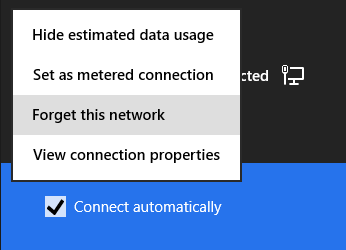
We’ve all been there, wireless passwords tend get lost.
There are several tools to retrieve the missing information, but I strongly believe that the less stuff you download from the web, the safer you are. So why not use the built in functions instead?
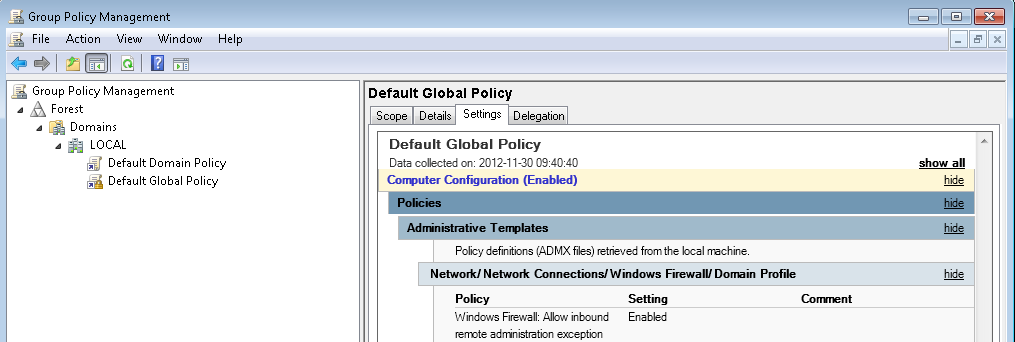
A customer of ours had problems with an installation.
We started troubleshooting and noticed that the installation did not run in Elevated Mode, but wanted to put files in a folder which by default it does not grant regular users the ability to add or modify files.

Per default the calendars of shared mailboxes in Office 364 have “FreeBusyTimeOnly” permissions applied.
You could create a new sharing policy and change the applied policy on those accounts.
I however chose to just change the sharing permissions on the shared calendar.

To help detect and prevent malicious behavior I usually implement different scripts or other monitoring features in my customers environments.
One of the snippets I frequently use is one that detects newly created accounts.
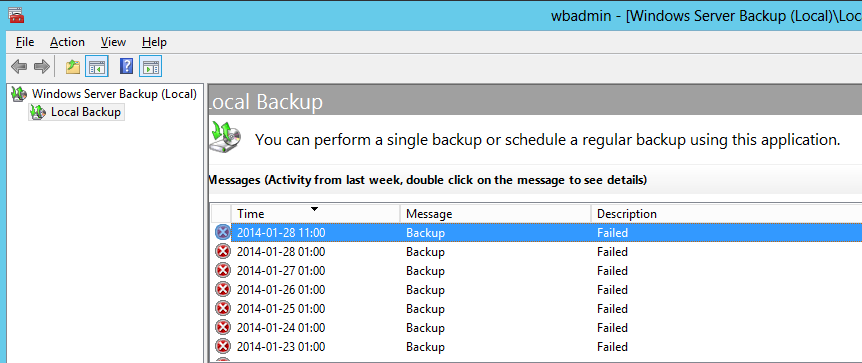
There are numerous backup solutions out there for Windows and they come in many different forms.
There are two “types” of backup supported by the “Windows Backup and Restore Center” (WBRC).
 Articles