


Run Manual Azure AD Sync Updates
Depending upon the version of the sync solution that you are using to replicate directory data from on-premises Active Directory to Office 365 there are different commands that you will need to use.
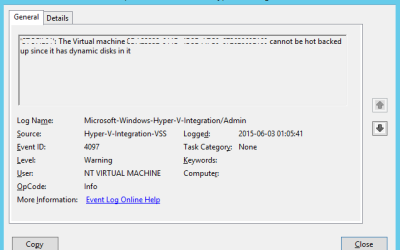
Hyper-V cannot back up VMs with Dynamic drives
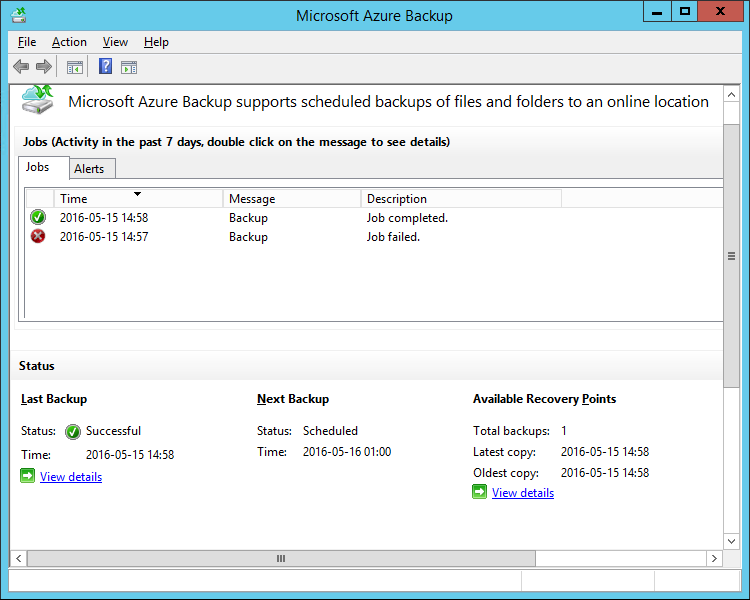
This issue has multiple potential causes, usually related to the Integration Services version of the failing guest server. This issue occurs when Application-Aware image processing is utilized in the Backup or Replication job settings for transactional quiescence using Microsoft VSS.
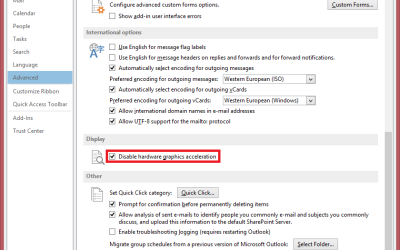
Disable Hardware Acceleration in Outlook 2013
Not all computers work better with hardware acceleration, especially those with incompatible drivers.
A couple of users contacted me asking about “white screens” and freezes in Outlook 2013. The simple solution is to disable the hardware acceleration…
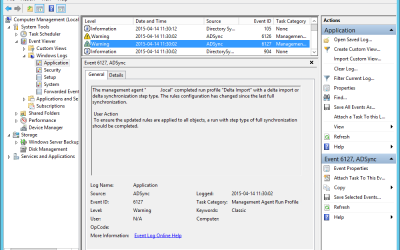
Azure AD Sync Event Error 6126 and 6127
While doing a regular maintenance check on my customers servers when I came across a new event in the log.
I’ve previously wrote about changing the sync schedule on this server.
But today I noticed two event errors, ADSync event 6127 and 6127.
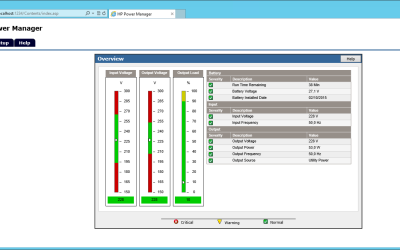
HP Power Manager Website Menu is Broken
Today I ran into some issues with a new HP T750 G2 UPS, The HP Power Manager was causing problems. The idea was to connect it to a Windows Server 2012 R2 Essentials server.
First of all, the links on the HP website have a tendancy to redirect you all over the place. For HP Power Manager software and…
Change the Azure AD Sync Schedule
I finally I got some time to play with the new Azure Active Directory Sync tool and its configuration.
The installation was very straight forward. The step-by-step instruction are provided on MSDN. The administration tools and scripts are located in difference places compared to DirSync which was little confusing in the beginning.
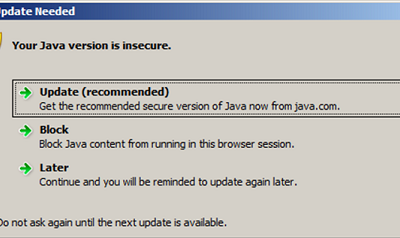
Uninstall all Java versions
I received an inquiry from one of my mid-size (100-200 users) customers today. They’ve been planning on implementing a new online service which requires the latest Java version.
The clients have a large quantity of outdated versions of Java, which needed to be uninstalled before we deployed the newest version.
They are currently running Windows 7 and Windows 8, so somewhat modern operative systems.
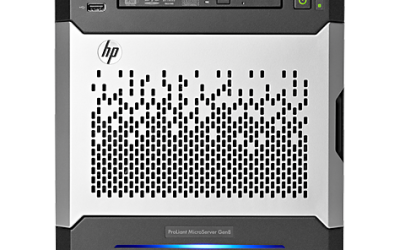
Installing HP branded Windows on a Virtual server
My customer has bought a Hewlett-Packard server with a Windows Server 2012 ROK (Reseller Option Kit) license.
However this customer had some issues with the installation of the license on the Hyper-V guest server. Since the Windows server does not recognize the ‘hardware’ as a Proliant server, licensing will not succeed.
However there is a simple solution…
 Articles
- Passwordless GitHub Actions to Azure with Federation
- Real-time Entra ID Break-glass Sign-in Alerts (Part 2)
- Real-time Entra ID Group Alerts with Azure Functions (Part 1)
- End-to-End User Offboarding with Microsoft Graph PowerShell
- Automating Intune Win32 App Packaging with GitHub Actions
- Cleaning Up Stale Entra ID Devices with Microsoft Graph PowerShell